


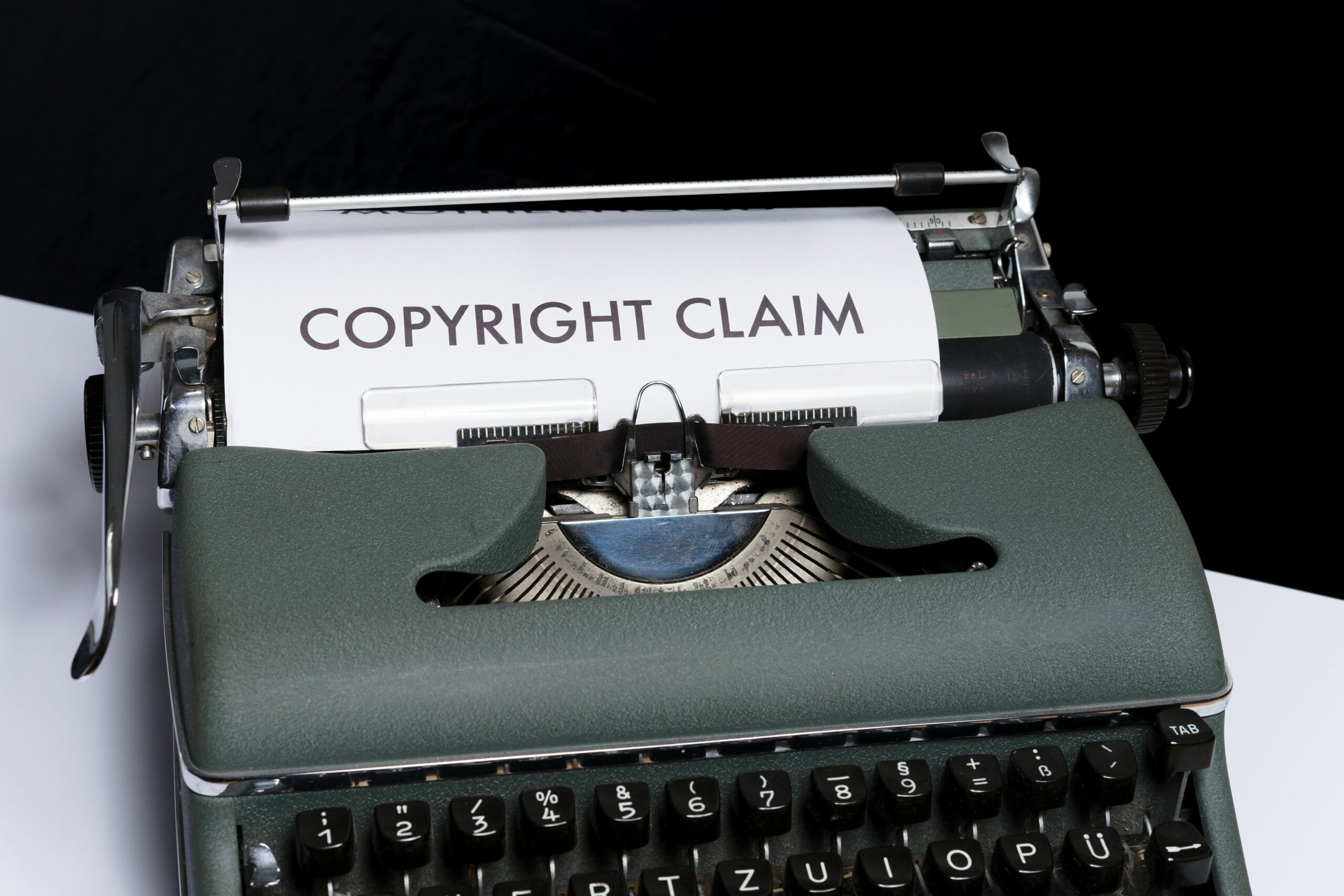
Are you looking for how to remove a Copyright Claim from your Youtube Video? Here is a detailed blog on the same. Read further to know moew.
Copyright claims on YouTube are daunting, but necessary, read further to know how to remove a copyright claim on youtube video. These messages, which are very common, let you know if you’ve used someone else’s content in your video. Before things get serious, it’s good to know when you’ve overstepped your boundaries as a creator.
As you make your Youtube Channel, sustaining it is crucial to the further evolving of your Channel. If you haven’t yet started, Here is the handy guide to how to create your own Youtube Channel.
Here is how you can grow your YouTube channel?
The infringements that some creators stumble upon are quite common. Content that includes video clips, images, or audio files that you didn’t produce yourself will likely trigger a copyright lawsuit. Fortunately, you can remove these warnings. All you’ve to do is replace the copyrighted content with your own.
The last thing you want to receive is a copyright strike, which means that the copyright owner has filed a request to delete the video. If you receive three strikes, things get serious. In this case, YouTube will shut down your channel and prevent you from creating another one.
Copyright lawsuits aren’t as devastating as strikes, but they feel like a stumbling block on the road to YouTube.
That’s because-
- You may lose monetization for your video.
- YouTube can limit viewing to certain countries.
- And more
Want to reduce the number of copyright lawsuits on your channel?
YouTube has a feature that alerts you that a copyright match has been found before you publish a video.
How to check a YouTube video for copyright claims?
Uploading a YouTube video requires several steps. Before your content goes online, you give it a title, thumbnail, description, keywords, and other elements so users can find and watch the video.
Now there’s an additional step that happens automatically. YouTube will check your content to see if it contains copyrighted material. This happens when you reach the Reviews section, as shown below.
This is a crucial step. YouTube’s copyright review tells you how long the process will take and reports copyright matches before you click “Publish”. At this point, you can decide on the best course of action. You can dispute the claim or take steps to remove it.
How to check a YouTube copyright claim?
On the same upload page, you can see what impact a copyright claim has on your channel. Click View Details for more information.
You can see this by expanding the details. There you’ll find-
- Restrict the video from being viewed in certain countries
- To make the video ineligible for monetization
In this case, the copyright owner can market the video for their financial benefit. There may be ads in the video, but the revenue goes to the copyright owner – not to us. That’s the price of using someone else’s content. It’s still better than copyright infringement and the near loss of a channel that took years to build.
If you decide to upload the video, you can remove or challenge the copyright claim.
To do that:
- Make sure you’re in the Reviews section of the upload process. Click Select Action under the header of the page.
- Two questions will appear, “Remove claimed content?” or “Do you’ve rights to this content?” Under the first question, you’ll see options for remedying the copyright claim. For example, if your video contains copyrighted music, you can replace or mute the song.
- If you own the rights to the content, navigate to “Do you’ve the rights to this content?” and click Challenge.
Are you ready to publish your video?
Here is why you should wait.
Picture this- you have come up with an idea for a video, researched keywords and spent hours filming. You have edited everything for maximum clarity. Viewers have been asking for the video, so you know it will be well received. So you are excited – thrilled even – to upload the video and track the views.
On the upload page, you add everything the video needs – a title, thumbnail, description and keywords – to achieve full optimisation. You have even passed the copyright check with ease. Your next instinct is to publish the video, because why not?
Here is why you should not.
Processing a YouTube video takes time
We know what you may be thinking now. Did not YouTube “finish” processing the video within a few minutes? That’s what YouTube reports, but that’s not the whole truth. There are many things going on in the background, so you should wait two hours before publishing a video. Set the privacy setting to “unlisted” so that YouTube has time to report accurate information about your video.
If you have not already done so, you can save most optimisations for this waiting period. You can:
- Optimise your video’s title and thumbnail.
- Add interactive maps and end screens.
- Add a description and keywords.
And on YouTube pages there is extra time for:
- Checking the video further for copyright claims.
- Identifying things that violate advertising guidelines (so you can make money).
- Editing your video so that it plays in the best quality.
- The most important rule for successful creators is to keep your channel in good shape. Not only avoid copyright lawsuits, but also never make these eight legal mistakes on YouTube.
To read more download Mezink now!
http://enclomiphenebestprice.com/# buy enclomiphene online
https://enclomiphenebestprice.com/# enclomiphene best price
RxFree Meds: RxFree Meds – estrace cream online pharmacy
sportbets http://www.sportbets16.ru .
A propos de notre blog Decomania
Voici un spin-tax de haute qualité pour votre texte en français, respectant toutes vos consignes :
Dans un contexte où notre plateforme d’analyse Decomania explore les nouveautés dans le domaine fintech, un doute subsiste : Quantum AI 2025 constitue-t-il une véritable innovation ou seulement une initiative prometteuse ?
Mécanisme et Engagements : Quel est le Principe de Cette Plateforme ?
Quantum AI 2025 se présente comme un outil de trading automatisé combinant IA et informatique quantique. Pour ses développeurs, cette technologie offrirait :
Une analyse avancée des marchés (crypto, actions, marché des changes).
Une régulation intelligente du risque pour optimiser les performances.
Un accès simplifié, adapté pour les traders aux profils variés.
Cependant, aucune recherche tierce ne valide formellement ces déclarations, et les témoignages s’avèrent contrastés.
Aspects à Examiner Selon Decomania
Notre analyse met en lumière plusieurs éléments à prendre en compte avant de se lancer :
Différentes plateformes locales (opulence-mirage.com) – Une pratique courante, mais qui peut rendre difficile l’authentification.
Transparence limitée – Un manque de détails technologiques sont accessibles sur les algorithmes utilisés.
Expériences variées – Une partie des clients mentionnent des rendements intéressants, tandis que plusieurs rapportent des complications pratiques.
Conseils pour les Opérateurs
Privilégier les interfaces contrôlées (CySEC) pour plus de sécurité.
Essayer en compte test avant toute mise de fonds.
Mettre en parallèle avec d’autres options (telles que les plateformes proposés par eToro).
Synthèse : Une Solution à Surveiller avec Réserve
Quantum AI 2025 avance une approche innovante, mais ses résultats tangibles requièrent davantage des confirmations pratiques. Dans l’attente de davantage d’informations, une stratégie prudente est recommandée.